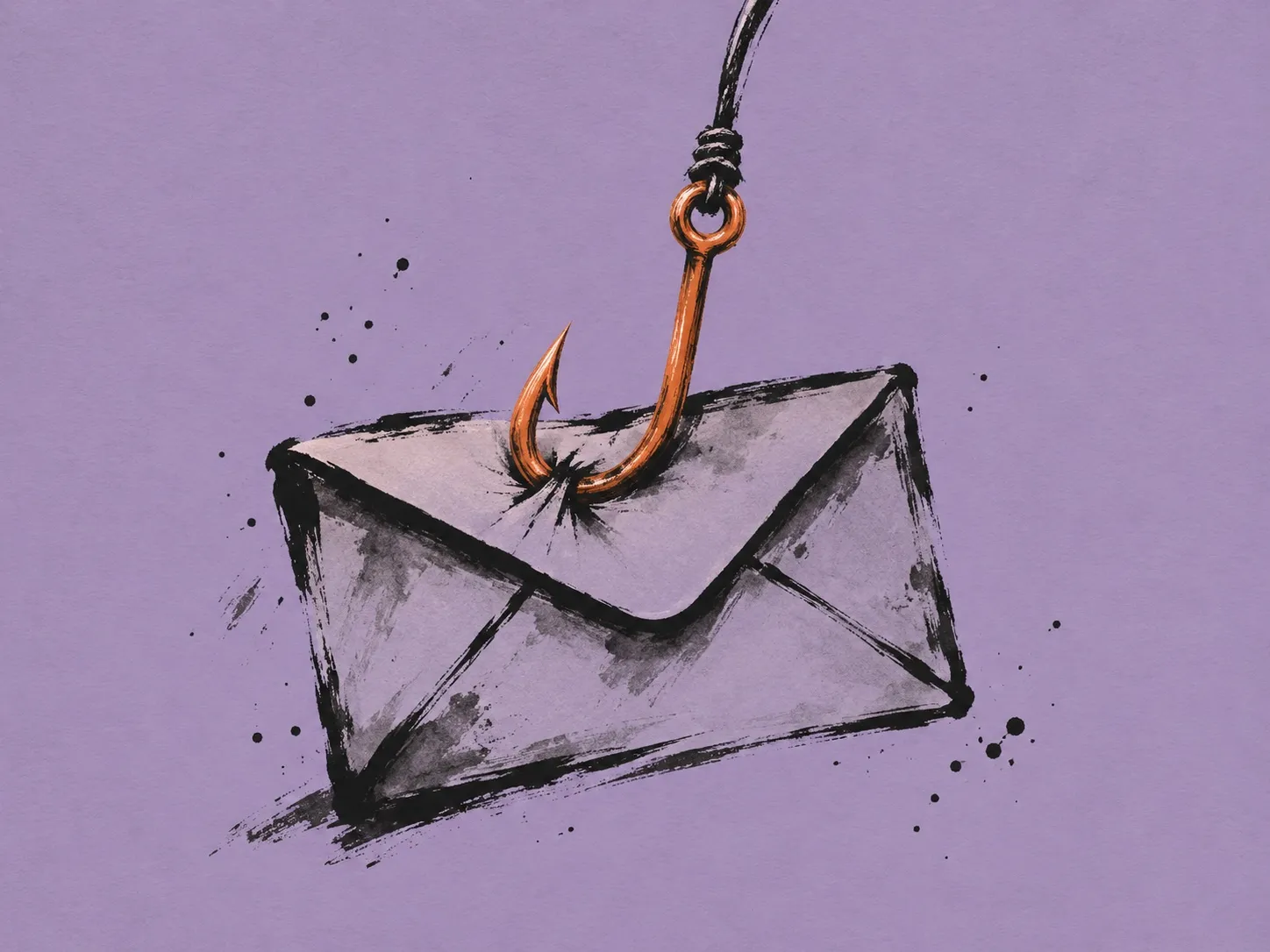
I was eight or nine the first time I saw an email that lied about who had sent it. It claimed to come from Google and it did not come from Google. Someone had written whatever they liked in the header and the message had still landed, perfectly calm, in the inbox.
For a kid whose only question was “why?”, that blew my mind.
It didn’t take me long to find emkei.cz, a site that let you send an email with any sender you wanted and which, surprisingly, is still running on the day I am writing this. It opened up endless ways to prank my friends and family. I don’t remember exactly what I sent back then. I do remember that it wouldn’t go down well today.
Back then I had a problem: I got bored fast. As soon as I understood how something worked, or thought I did, I stopped using it. I came up with a thousand ways to do harm with it and used none, because doing harm has never been what drives me. But the opposite didn’t drive me either: I didn’t spend a single minute thinking about how it could be prevented. I moved on.
Those were different times. Spam filters missed more than they caught and hardly anyone had seen a scam like that, so people fell for it completely. Today the odd thing is a day without one, and most of us spot them at a glance. And that is the ones that arrive: many are never delivered and others die in the spam folder.
Some fourteen years later I ran into the subject again, this time from the other side. In one of my cyber-fraud analyses I had to read the headers of an email, something I had never needed to do before. And that was when I truly understood it.
Email was born like paper letters: you write whatever return address you like on the envelope and nobody checks. Everything that protects us today was added later, in three layers. SPF is the list of servers a domain authorises to send on its behalf. DKIM is a cryptographic seal proving nobody touched the message on the way. And DMARC is the rule that ties the previous two to the sender you actually see, and tells the receiver what to do when they fail: deliver it, send it to spam or reject it.
What I did as a kid worked because almost nobody had that third layer. What surprised me as an adult is how many domains still have it only half set up.
This time I did stop to think about how to mitigate it. And thanks to AI, I could finally put my ideas on the table and turn them into a tool.
SecEmail does what an attacker would do, but with permission. It audits a domain or a specific email, checks SPF, DKIM, DMARC and ARC, verifies the signatures and tells you in one sentence what is broken. And when the audit is authorised, it lets you take it all the way: send the spoofed email, play with social engineering and with the filters, measure who opens it and who ends up typing their password, and keep a record of everything that was done so it can be explained months later.
I built it for Red Teams for a simple reason. Whoever wants to deceive you won’t hesitate for a second to use the best techniques and the best tools. The least we can do is make sure the people defending you play with the same ones.
The kid with the pranks got bored of the trick as soon as he thought he understood it. It took running into it again as an adult to realise that I hadn’t fully understood it, and that the interesting part began exactly where I had left off.
Technical summary
A Python toolkit for checking email authentication and running authorised phishing simulations. It checks the settings that help prevent sender spoofing, verifies email signatures and detects lookalike domains.
SPF, DKIM, DMARC and ARC checks; DKIM signature verification; IDN lookalike detection; MTA-STS, TLS-RPT, DANE and BIMI checks. Includes a campaign dashboard with activity tracking and credential capture for authorised tests.